🔌 Disconnecting your WordPress website from Redokun
WordPress translation is in beta
Some steps and screens may change while we finish it. If something doesn't match what you see, or doesn't work, contact us, and we'll help you get connected.
You can disconnect your website from Redokun in two ways, either one ends the connection on both sides.
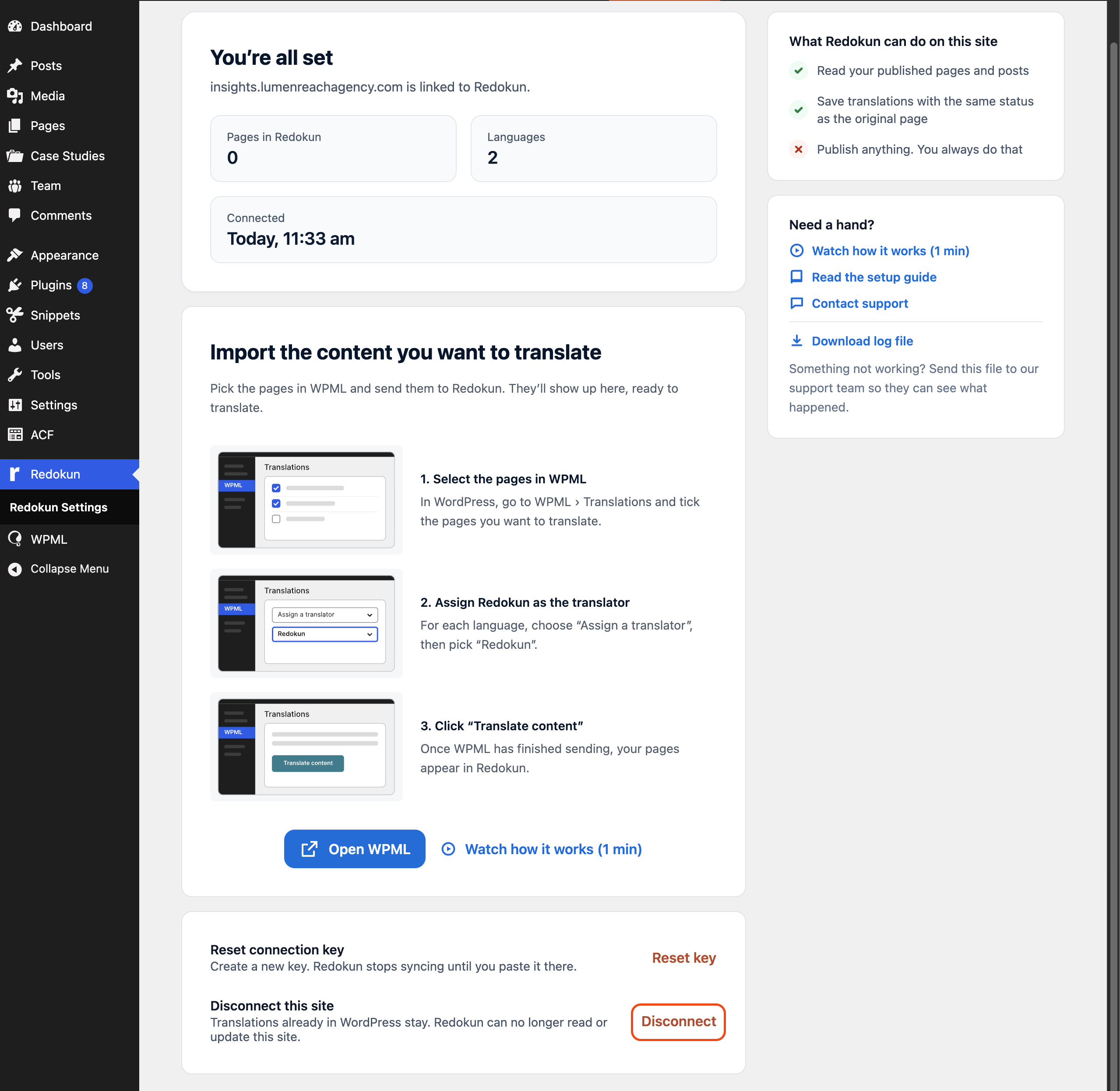
In WordPress:
- Go to Redokun → Redokun Settings.
-
Click on Disconnect.
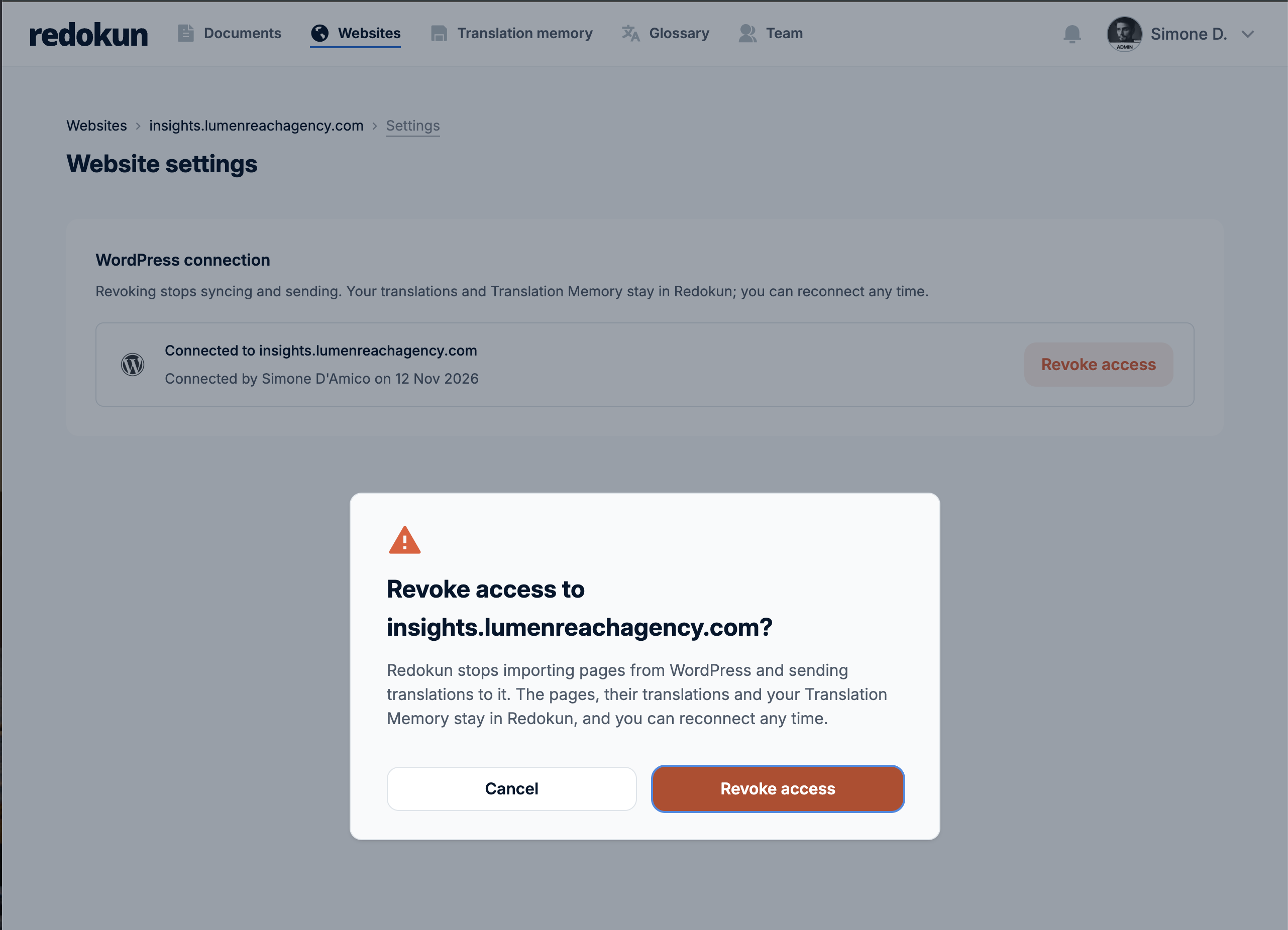
In Redokun:
- Go to Websites and open the website.
- Click Settings in the top-right corner.
- In the WordPress connection section, click Revoke access.
-
In the dialog, click Revoke access again to confirm.